Function Plotter f(x)
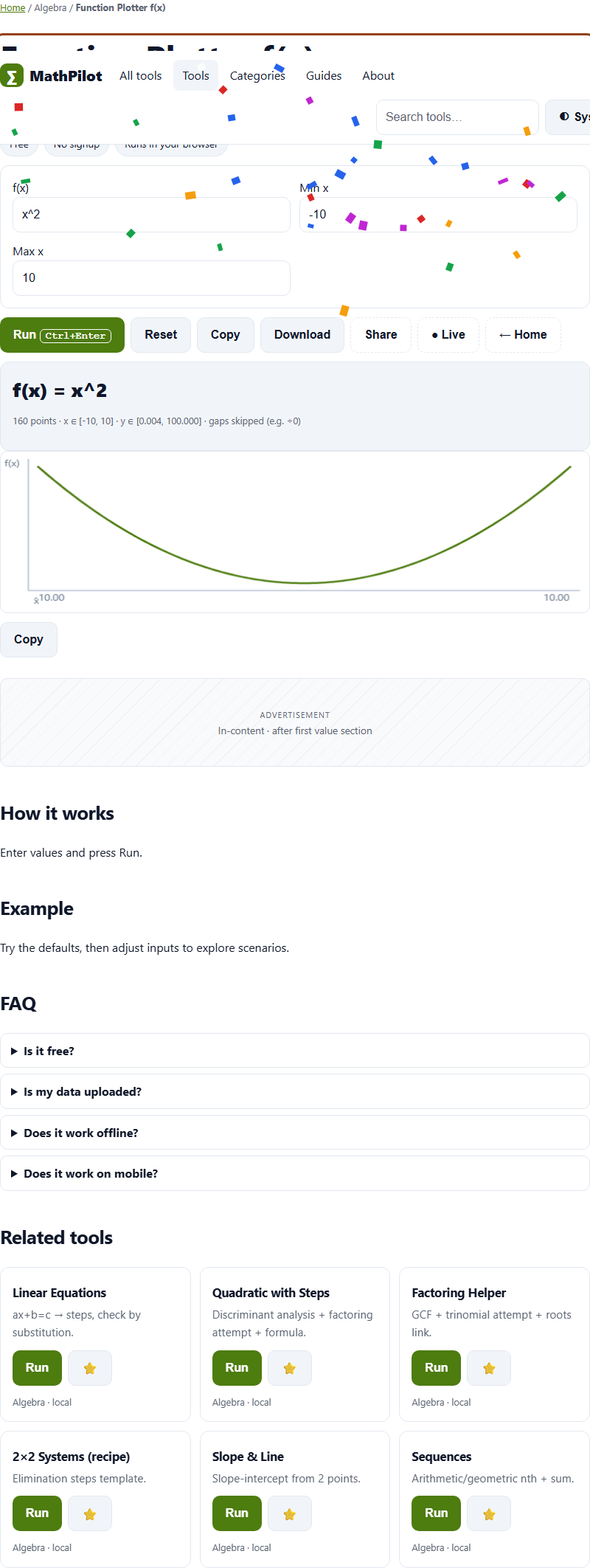
Sample + line chart + range table, gaps skipped.
How to use
Enter f(x), Min x and Max x into Function Plotter f(x) and press Run. MathPilot calculates in your browser with a pure JavaScript engine (Web Worker for heavy inputs). The selected inputs are not sent to a Tolari processing endpoint; output behavior depends on the operation.
Steps
- Use the embedded Function Plotter f(x) on this page (or open the full tool).
- Enter f(x), Min x and Max x.
- Press Run (Ctrl+Enter).
- Copy or download the result, or share a link to this tool.
FAQ
Is Function Plotter f(x) really free?
Yes. No account or credits are required, and no paywall blocks the task. Browser, device, and stated file-size limits still apply. Ads may appear only when configured and enabled after the required consent signal.
Is anything I type into Function Plotter f(x) sent to a server?
The calculation runs in this page and is not sent to a Tolari processing server. Depending on your settings, recent runs may be saved in local browser storage; use Private Mode or clear local history on this device if needed.
What should I enter in "f(x)"?
Put your f(x) here — for example: x^2. Leave the defaults first to see how it works, then adjust. Every field is validated with a plain-language message if something is off.
How should I compare Function Plotter f(x) with other options?
Compare supported inputs, output quality, file-size limits, browser compatibility, and privacy terms using the same sample. Provider features and terms can change; check their current documentation.
How accurate is Function Plotter f(x)?
Conversions use exact defined factors (like 1 in = 2.54 cm); math tools show deterministic steps you can check by hand.
Content continues below
Compare before choosing
Compare supported inputs, output quality, limits, browser compatibility, and privacy terms before choosing a tool for math with steps, from algebra to statistics. Feature checklist.