Merge PDF
Combine 2+ PDFs in order. Page-count verified.
How to use
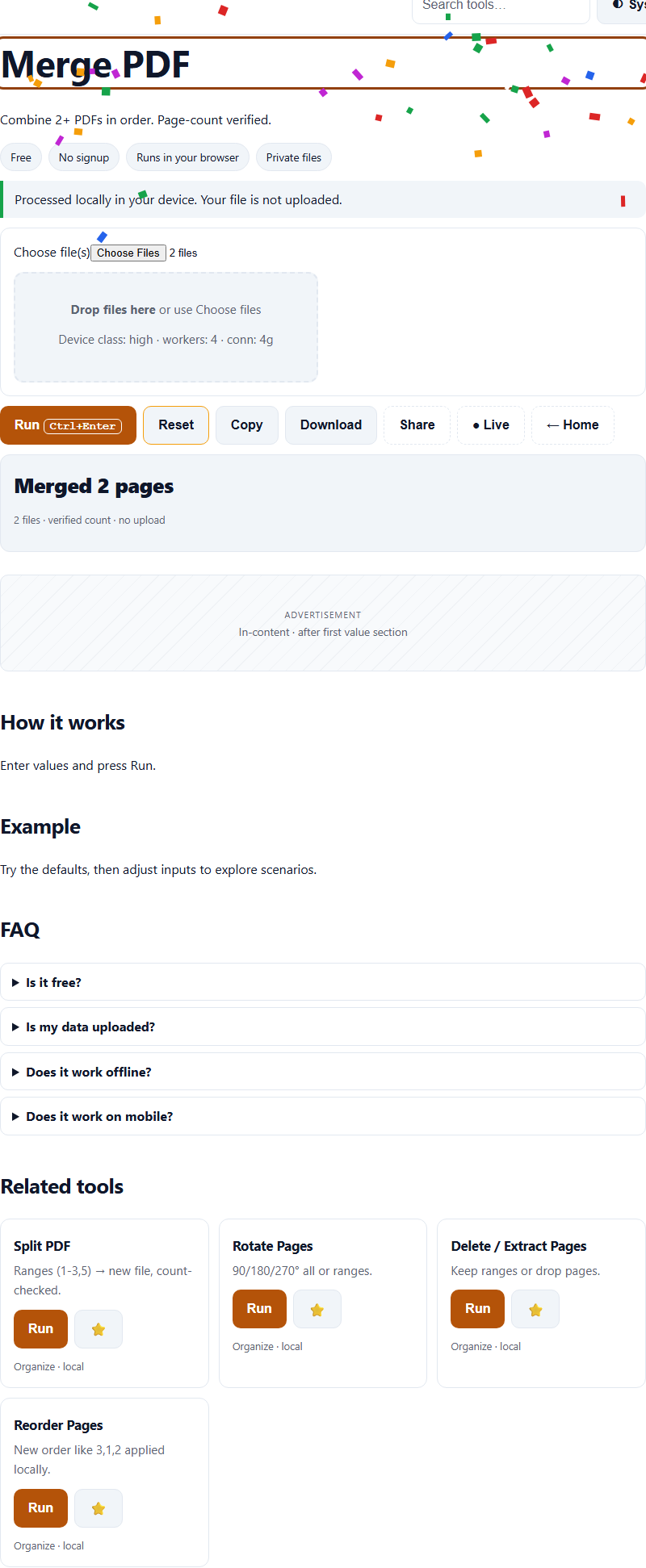
Choose PDFs in Merge PDF: choose the files below, press Run, and PaperFlux processes the selected file in your browser with pdf-lib and pdf.js engines loaded lazily — progress and cancel are available where supported. You get a result and a download when processing succeeds; the selected file is not sent to a Tolari processing endpoint.
Steps
- Use the embedded Merge PDF on this page (or open the full tool).
- Choose the files below PDFs.
- Press Run (Ctrl+Enter) and follow progress if shown.
- Download the result, or share a link to this tool.
FAQ
Is Merge PDF really free?
Yes. No account or credits are required, and no paywall blocks the task. Browser, device, and stated file-size limits still apply. Ads may appear only when configured and enabled after the required consent signal.
Do I have to upload my files to use Merge PDF?
No. This tool reads and processes the selected file in your browser with pdf-lib and pdf.js engines loaded lazily; the implemented flow does not send it to a Tolari processing endpoint. The page may still request scripts or other resources from configured third parties.
Which files work with Merge PDF?
Merge PDF accepts PDFs up to 200MB combined. Browser memory and format support vary; use the stated limits and try a smaller file if processing fails.
How should I compare Merge PDF with other options?
Compare supported inputs, output quality, file-size limits, browser compatibility, and privacy terms using the same sample. Provider features and terms can change; check their current documentation.
How accurate is Merge PDF?
This tool computes in your browser when run. Results depend on the selected inputs, browser support, and the specific operation.
Content continues below
Compare before choosing
Compare supported inputs, output quality, limits, browser compatibility, and privacy terms before choosing a tool for merging, splitting and converting PDFs. Feature checklist.