SERP Preview
Pixel-width truncation simulation.
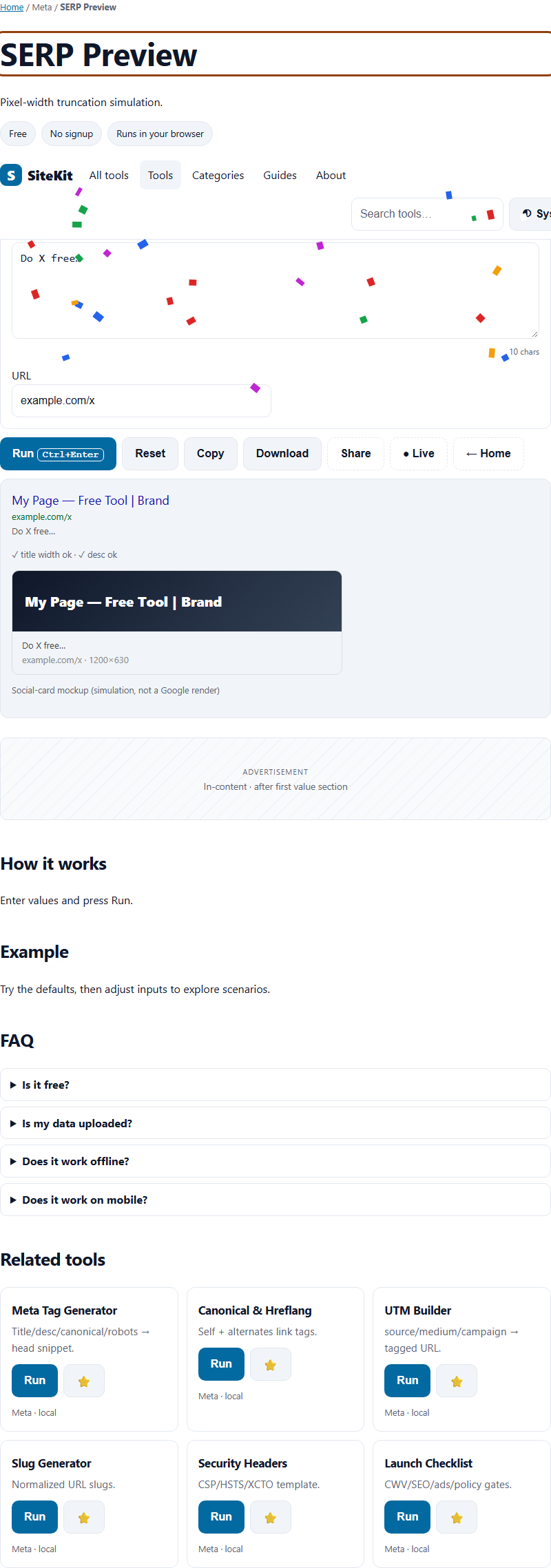
How to use
Enter Title, Desc and URL into SERP Preview and press Run. SiteKit calculates in your browser with a pure JavaScript engine (Web Worker for heavy inputs). The selected inputs are not sent to a Tolari processing endpoint; output behavior depends on the operation.
Steps
- Use the embedded SERP Preview on this page (or open the full tool).
- Enter Title, Desc and URL.
- Press Run (Ctrl+Enter).
- Copy or download the result, or share a link to this tool.
FAQ
Is SERP Preview really free?
Yes. No account or credits are required, and no paywall blocks the task. Browser, device, and stated file-size limits still apply. Ads may appear only when configured and enabled after the required consent signal.
Is anything I type into SERP Preview sent to a server?
The calculation runs in this page and is not sent to a Tolari processing server. Depending on your settings, recent runs may be saved in local browser storage; use Private Mode or clear local history on this device if needed.
What should I enter in "Title"?
Put your title here — for example: My Page — Free Tool | Brand. Leave the defaults first to see how it works, then adjust. Every field is validated with a plain-language message if something is off.
How should I compare SERP Preview with other options?
Compare supported inputs, output quality, file-size limits, browser compatibility, and privacy terms using the same sample. Provider features and terms can change; check their current documentation.
How accurate is SERP Preview?
This tool computes in your browser when run. Results depend on the selected inputs, browser support, and the specific operation.
Content continues below
Compare before choosing
Compare supported inputs, output quality, limits, browser compatibility, and privacy terms before choosing a tool for meta tags, schemas, robots and SEO checks. Feature checklist.